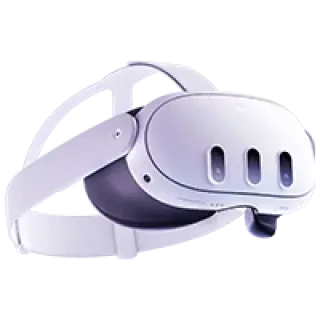







How to Watch VR Videos in a Web Browser
You do not need a headset to see what our videos look like. Every video plays in our own player in any modern browser - on a computer, a phone or a tablet - and you can drag the view around the scene with a mouse or a finger.
How to watch
- Open our site in any modern browser.
- Sign in - premium videos need an active subscription, trailers and selected free full-length videos do not.
- Start a video and drag inside the picture to look around.
- Pick the quality that suits your screen; on a laptop there is no benefit in the highest tiers.
This is a flat window into a VR scene rather than the immersive experience, so treat it as a preview. The same account and the same videos work the moment you put a headset on - nothing needs to be bought again, and the strip above the title on every video page connects HereSphere or Playa to the very same library.
Good to know: a browser session on a big screen is also the easiest way to build playlists and mark favourites, so your library is ready before you switch to the headset.