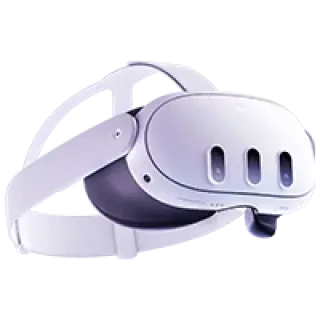







How to Watch VR Porn on PlayStation VR2
PSVR2 is a great headset with an awkward limitation: the PS5 has no VR video player that opens 180° and 360° files, so the console alone will not play our videos in VR. The practical route is to connect the headset to a PC.
Watch through a PC (recommended)
- Connect PSVR2 to your computer with the official PSVR2 PC adapter and install the PlayStation VR2 app plus SteamVR.
- Start SteamVR and confirm the headset is detected.
- Open HereSphere or Playa on the PC.
- On our site, open any video and use the strip above the title - Play our entire library in HereSphere or Playa - to get the address for your player, your login and a generated password.
- Paste the address into HereSphere's browser, or add it in Playa under Add site, and sign in. The whole library opens in the headset.
On the PS5 itself
The PS5 Media Player will show a downloaded file from a USB drive on the flat virtual screen, which is fine for a trailer but is not immersive playback. If a PC is not an option, a phone in a simple viewer gets you closer to the real thing than the console does.
Good to know: the PC adapter route also opens the rest of the SteamVR video ecosystem, so it is worth the cable if PSVR2 is your only headset.