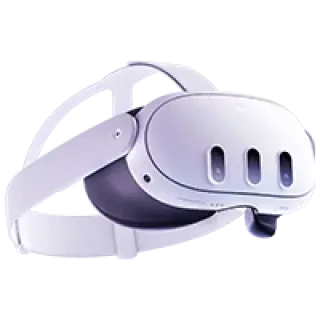







How to Watch VR Porn on PlayStation VR
The original PSVR plays downloaded files from a USB drive through the PlayStation Media Player. There is no streaming route and no player app to connect, so the video has to be downloaded on a computer first.
Prepare the file
- Open a video on our site, use the download button and pick a quality.
- Format a USB drive as FAT32 or exFAT and copy the file onto it.
- Keep it in the root folder or in a plainly named folder - the console is fussy about deep paths.
Play it on the console
- Plug the drive into the console and put the headset on.
- Open the PlayStation Media Player and select the drive.
- Start the video and choose the VR viewing option that matches it - 180° or 360°.
Good to know: PSVR is a 1080p-per-eye headset, so the highest quality tiers bring no benefit. A mid tier file looks the same on it and copies across in a fraction of the time.