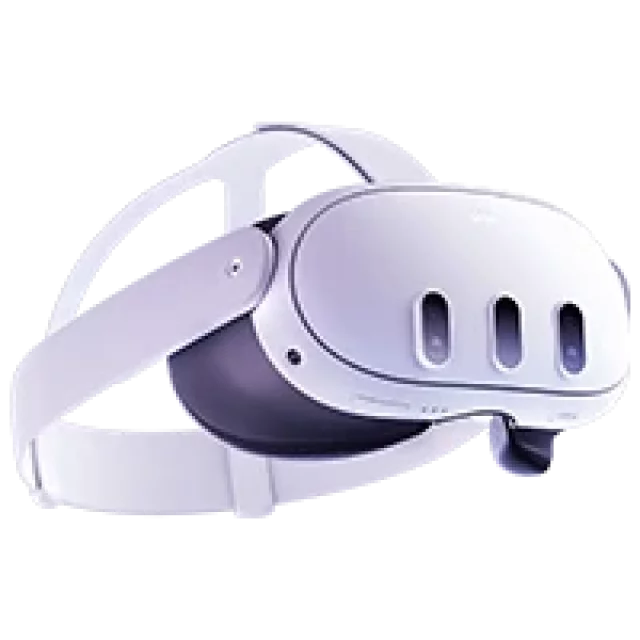







How to Watch VR Porn on Meta Quest 3 and Quest 3S
Quest 3 and Quest 3S are the easiest headsets to watch on. They are standalone, so nothing else is needed - no PC, no cable, no console. You can be watching in the headset browser within a minute and connect a dedicated player when you want the sharpest picture.
Stream in the headset browser
- Open the browser in your headset and go to our site.
- Sign in. Premium videos need an active subscription; trailers and selected free full-length videos play without one.
- Open a video and press play - our own player runs right in the browser, handles 180° and 360° footage and switches to immersive mode from the controls.
- Pick the quality that plays smoothly. Stepping down one level is the quickest fix for stutter.
Watch in HereSphere or Playa
- Install HereSphere or Playa from the store on your headset.
- On our site, open any video and look at the strip above the title: Play our entire library in HereSphere or Playa. Press the button for the player you use.
- The window that opens holds everything the player needs - the address for that player, your login (the e-mail on your account) and a password you generate there. Each value has a copy button.
- In HereSphere, paste the address into its built-in browser. In Playa, choose Add site and paste it there.
- Sign in with the login and the generated password. Your whole library opens in the player - recently added, favourites, playlists and categories included.
About that password: it stands in for your account password, so nothing secret is ever typed on a headset keyboard. It is shown once, you can create several of them and revoke any of them later from your account.
Play a downloaded video
- Open a video on our site, use the download button and pick the quality you want.
- Connect the headset to your computer with a USB-C cable and put it on.
- Confirm the prompt that lets the computer reach the files.
- Open the headset in File Explorer or Finder, go to its internal storage and create a Videos folder if there is none.
- Copy the file across, then eject the headset safely.
- Open HereSphere, Playa or Skybox VR and play it from the local library.
Good to know: if a video looks stretched or doubled, the projection is wrong, not the file - set the player to 180° or 360° to match it.