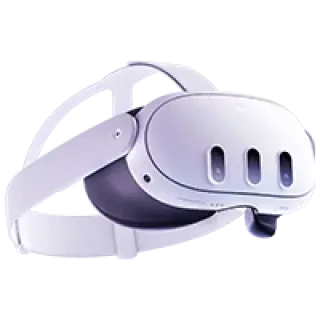







How to Watch VR Porn on Meta Quest 1
The original Quest still plays our videos well as long as you keep the resolution sensible. It no longer receives system updates, so stay with the player versions already installed and with the lower quality tiers.
Stream in the headset browser
- Open the browser in your headset and go to our site.
- Sign in and open a video - our player runs in the browser and switches to immersive mode from the controls.
- Choose a mid quality tier. The older chipset is the limit here, not your connection.
Watch in HereSphere or Playa
- Open HereSphere, Playa or Skybox VR if you already have one installed - the Quest 1 store is closed to new titles.
- On our site, open any video and look at the strip above the title: Play our entire library in HereSphere or Playa. Press the button for the player you use.
- The window that opens holds everything the player needs - the address for that player, your login (the e-mail on your account) and a password you generate there. Each value has a copy button.
- In HereSphere, paste the address into its built-in browser. In Playa, choose Add site and paste it there.
- Sign in with the login and the generated password. Your whole library opens in the player - recently added, favourites, playlists and categories included.
About that password: it stands in for your account password, so nothing secret is ever typed on a headset keyboard. It is shown once, you can create several of them and revoke any of them later from your account.
Play a downloaded video
- Open a video on our site, use the download button and pick the quality you want.
- Connect the headset over USB-C and allow file access in the headset.
- Copy the file into a Videos folder on the headset and eject safely.
- Open your VR player and play it from the local library.
Good to know: if a file refuses to open, it is usually the codec. A version re-encoded as H.264 MP4 will play when a newer H.265 file will not.